How-To Guides
Do IP Cameras Need a Router?
Wondering, "Do IP cameras need a router?" Learn when a router is necessary for IP camera features and how to use them without one.
Table of contents
Are you starting your new IP camera and wondering how you’ll get it online without a router? Sometimes your router is too far from your installation post, or you simply don’t have access to it. Well, you are not alone. Many of us struggle with the challenge of setting up security cameras when Wi-Fi isn’t an option, or the router is just out of reach.
In this guide, we will walk you through the answer to the question, “Do IP cameras need a router” and explain the different IP camera network requirements clearly. By the end of this blog, you will learn that it’s possible to use IP cameras without a router for local recording, as well as the likely limitations and some alternative solutions!
Can IP cameras work without a Wi-Fi router?
The short answer is yes, IP cameras can work without a router! However, we need to bespecific about what working means here. Mostly, it means you can record and view videos locally. In other words, your CCTV can still record and save footage to a storage card or device connected to it. You just won’t be able to check on it from your phone when you’re not on-site.
The two main ways to get this done are by connecting your CCTV directly to your personal computer or by using a complete NVR (Network Video Recorder) system. Using these setups, you can watch live video on a screen nearby and even change settings like motion detection sensitivity. So, you see, can IP cameras work without Wi-Fi router? Absolutely, only for local tasks!
Protect your property with professional CCTV installation in Manchester services. Discover how the right setup can enhance your security and give you peace of mind. Contact us today to get started!
How to connect an IP camera without router to a PC
Connecting your IP camera without a router directly to a computer is not that difficult. By following this step-by-step guide, you can easily set it up all by yourself. Here’s IP camera connectivity explained in a straightforward process:
- First, make sure both your IP camera and your computer are plugged in and powered on.
- Next, grab an Ethernet cable and plug one end into your IP camera and the other end into your computer’s network port.
- Find your camera’s IP address. This way your computer can connect to your CCTV.
- This is the slightly technical part, but it’s important. Your computer’s IP address needs to be matched with your camera’s IP address. For instance, if your camera’s IP is 192.168.1.50, you’ll need to change your computer’s IP to something like 192.168.1.X (where X is any number between 2 and 254, but not 50).
Here’s how to change your computer’s IP:
- Go to Start Menu > Control Panel > Network and Internet > Network and Sharing Center.
- On the left, click Change Adapter Settings.
- Find your wired connection (labeled “Ethernet” or “Local Area Connection”), right-click, and choose Properties.
- Select Internet Protocol Version 4 (TCP/IPv4) and click Properties again.
- Choose “Use the following IP address” and type the new IP address for your computer that matches your camera’s network.
- Click OK.
Once finished, you can view your IP camera on your PC using the surveillance software. For a more stable connection, you can set your camera’s IP address to “static” (it means that it won’t change) using its software.
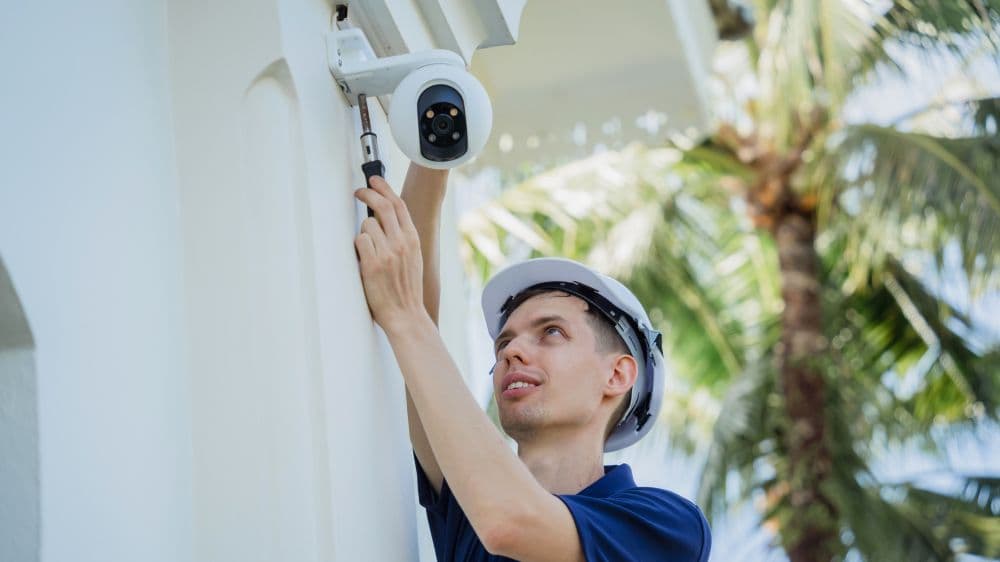
Alternative Solutions for Router-Free IP Camera Operation
Connecting an IP camera directly to a computer can be technical, but don’t worry. There are other straightforward options for using CCTV cameras without routers that we will discuss here:
Solution 1: Use a Whole NVR Security System
NVR security systems are designed to be user-friendly and easy. When you buy an NVR kit, the cameras and the NVR box are automatically paired up and ready to be used. You just need to power them on, and your IP cameras without routers will start recording to the NVR.
It’s pretty easy. Just connect the NVR to a monitor with an HDMI or VGA cable and you’re good to go. If you want reliable local recording without any complicated IP address setups, this is just the way. And remember, without an internet connection for the NVR, you won’t get remote viewing or alerts to your phone. This shows the wired vs wireless IP cameras differences in setup.
Solution 2: Use 4G Cellular Cameras
If you need to see what’s happening remotely, but have no access to a router or Wi-Fih, you can always go for 4G cellular cameras!
These cameras don’t need a traditional router or Wi-Fi. They work like your mobile phone and use a 4G LTE network. So, you can get live streaming and receive motion-triggered alerts on your phone. Basically, you can access your CCTV from anywhere without a Wi-Fi connection. It’s a perfect choice for remote locations, construction sites, or anywhere without easy internet access.

IP Camera Network Requirements and Its Limitations
You might still be wondering, do IP cameras require router for setup for all functions? Do PoE cameras require Internet? Do IP cameras need WiFi? Can IP cameras without routers work? These are all valid questions, and the answer is that it depends on what you want your security camera to do for you.
If your goal is local recording (saving video onto an SD card, an NVR, or a connected PC), then you can totally do that without a router or internet connection.
However, there are features that you will need a router and an internet connection for. For example: checking your camera’s live feed from your phone or computer when you’re not on site, getting notifications on your phone when your camera detects something suspicious, or saving your video footage to an online service or a server.
Traditional PoE or WiFi security cameras use a network connection (usually through a router) to send data outside of your local area. Without that connection, smart features (those mentioned earlier) won’t work.
But if you really need remote access without a traditional router, 4G mobile security cameras are the best option. That way, you won’t need a router without compromising on security.
Curious about the CCTV camera installation price? Find out how affordable securing your home or business can be without compromising quality. Request a free quote now!
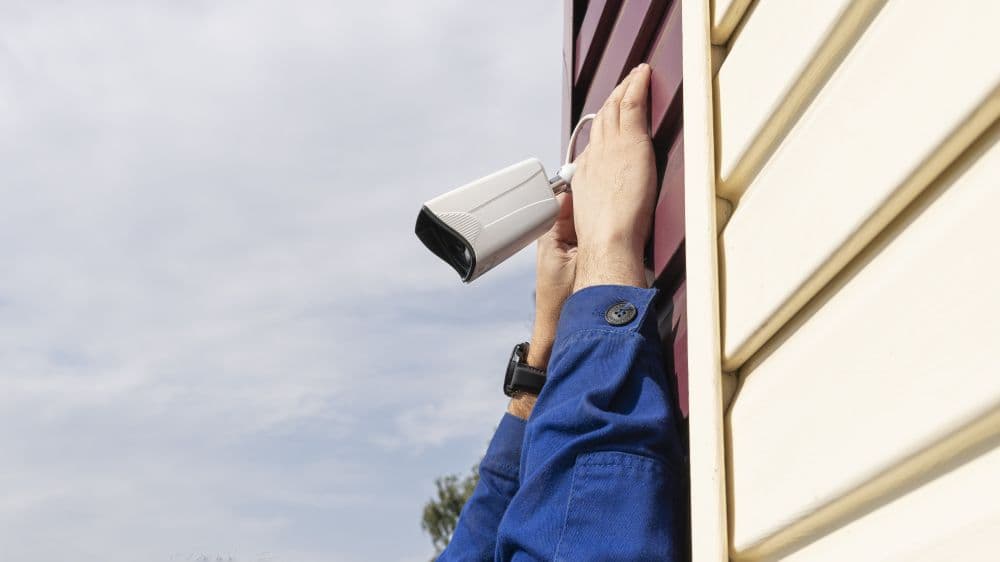
Final Thoughts: Can IP cameras work without Wi-Fi router
IP cameras are often thought of as needing a router, but we just explained that you can still set them up without one for local recording and viewing. This way, your main option is to directly connect them to a PC or use a simple NVR system. However, for smarter features like remote access, instant alerts, or cloud backups, a router and an internet connection are definitely needed. If you have no access to Wi-Fi, you can choose 4G cellular cameras to stay connected. Thanks to these flexible options, getting the security you need is simpler than ever, even without a router!
Related articles

How is the wireless CCTV camera powered?
6 min read