
Technology & Innovation
Everything About Security Cameras with Free Cloud Storage
Discover the benefits of security cameras with free cloud storage. Learn how to save footage, avoid hidden fees, and set up a smart system.
Table of contents
Cloud-based video surveillance has really transformed how we take care of our data. With cloud-based security cameras, you can say goodbye to your DVRs or hard drives. Now, you can easily check in on live feeds or look back at recorded footage from anywhere and on any device you like. Plus, you don’t have to stress about running out of physical storage space. Embracing cloud storage means more convenience and a boost to your overall network security.
Apart from being easily accessible, free cloud storage solutions often have less upfront costs. Traditional CCTV setups, for example, require extra costs for storage hardware, maintenance, and IT support. But when your camera uploads video clips to the cloud at no additional charge, you will no longer have to pay for upfront expenses and ongoing fees. With this approach, you can save your time, energy, and money.

What are cloud security cameras?
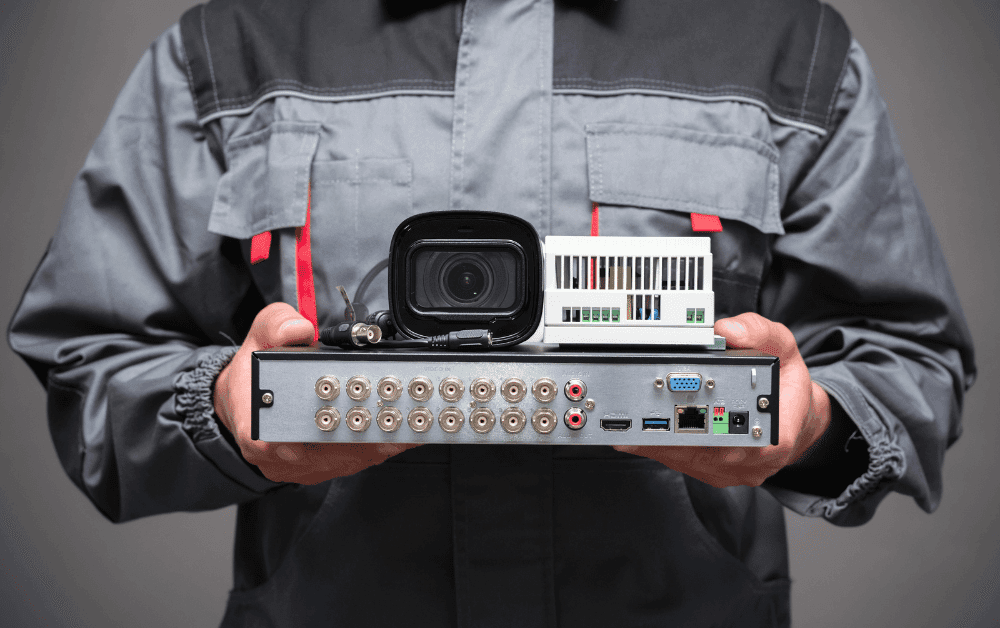
All CCTV systems need 3 main components to record footage and store data: a security camera, a storage device, and a secure connection. A traditional CCTV system uses CCTV cameras connected to a physical recording device through a wired connection.
Cloud options, on the other hand, are ideal for those who don’t have space for large servers. In a cloud-based CCTV camera system, cameras use Wi-Fi or Ethernet to send data to cloud storage for video. This setup reduces the need for storage equipment on-site. Before you install a cloud camera system, consider the wiring and equipment you will need. Traditional analog camera systems require more wiring and extra devices for storing video, like DVRs or NVRs. In contrast, cloud-based PoE cameras (Power over Ethernet) need less wiring and equipment.
Cost Concerns: Do You Have to Pay for Cloud Storage for Security Cameras?
You might wonder, “Do you have to pay for cloud storage for security cameras?” Many providers claim to offer “free” options, but often include hidden fees for extra features. The good news is that real free tiers do exist, which can meet the needs of small to medium surveillance. These basic plans usually provide a rolling window of footage for seven to thirty days at no cost, which is usually enough for daily security checks.
If your business needs long-term storage or high-definition clips at all times, you should consider paid plans. You can also start with free cloud storage to try the service with no risk. This helps you find out if the app’s interface works well for you, if motion alerts are reliable, and how easily you can share video snippets with your team. After checking these basics, you can think about upgrading to make sure every pound spent is worthwhile.
Thinking about switching to cloud cameras but unsure about installation costs? Check out our transparent CCTV installation price guide to see what fits your setup; no hidden fees, just smart solutions.

Can I Use a Security Camera Without a Subscription?
If you are on a tight budget, the question “Can I use a security camera without a subscription?” might have come to your mind. Many modern cameras work right away by saving video on microSD cards or network storage. With free cloud storage included, you can access your camera remotely and back up your videos without a monthly subscription. This gives you live viewing, push notifications, and the ability to share clips without paying any cost.
For some features, like detecting people, getting alerts for packages, and longer storage times, paid upgrades are often needed. However, many cameras offer strong basic features without a subscription and include free cloud storage. You can get basic recording triggered by motion and safe off-site storage at no extra cost. For a lot of setups, this level of service is more than enough.
Setting Up Your Cloud-Connected Cameras
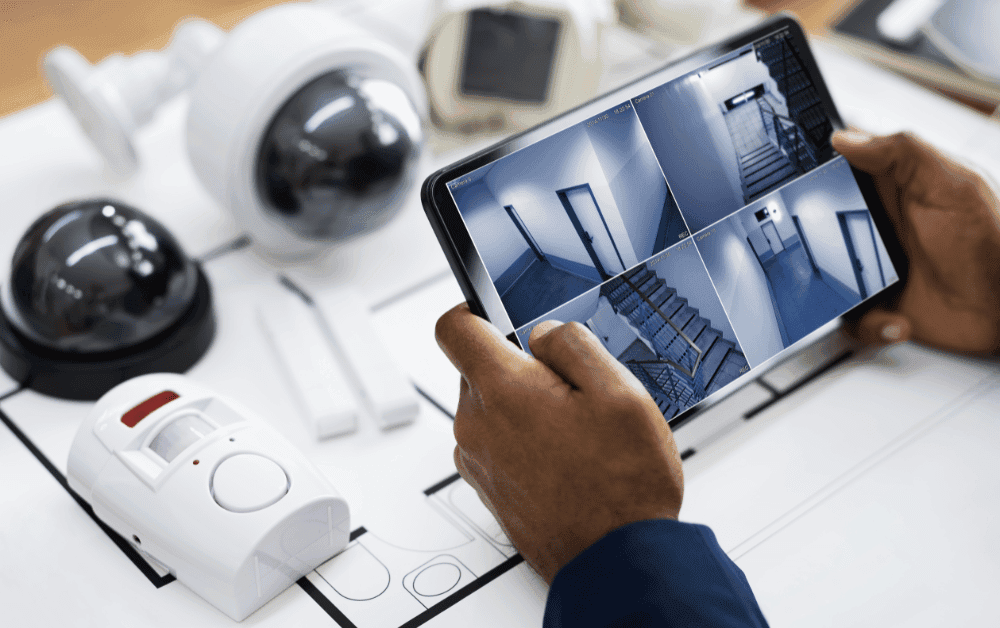
Setting up security cameras with free cloud storage is not that complicated. First, install each camera in good locations like doors, loading areas, or busy spots. Connect the cameras to your network using Wi-Fi or Ethernet. Most brands have an app that helps you through the setup. In just a few minutes, your camera will connect to the cloud and automatically upload footage when events happen.
Next, check the app’s dashboard. You can name each camera based on where it is, change motion sensitivity, and set up custom notifications. Test the live streams to make sure they are clear and work well. After that, confirm that past clips are saved in the cloud library. All done! Now you have a secure backup of important footage that you can access anytime, anywhere.
Ready to upgrade your workplace with cloud-ready cameras? Our expert CCTV installation for business services can get you started quickly, whether you’re adding one or a dozen cameras.

How to Store CCTV Footage in Cloud for Free?
Are you curious about how to store CCTV footage in cloud for free? The key is to choose the right provider and know its limits. Start by selecting cameras that offer a good amount of free storage time. Some brands let you adjust how long clips are kept to balance quality and space. When motion is detected, clips automatically upload to the cloud in set resolutions, making sure you never go over the free limit.
To save storage space, you can turn on motion-based recording. This will capture video only when movement is detected, instead of recording continuously all day. You’ll save space and keep only the important footage. Regularly check and delete clips you don’t need to maintain space for future recordings. By following these tips, you can make the most of your provider’s free tier while still ensuring good coverage.
Maximizing Your Surveillance for Peace of Mind
Free security cameras with free cloud storage save money and provide you with a strategic benefit. They send you live alerts and allow instant clip sharing, so you can respond quickly when incidents happen. Whether you’re looking into a small issue in your warehouse or recording a delivery at reception, you can access evidence anytime. This efficient process helps you react and decide in no time.
For that to happen, regularly check your system with audits. Test live view connections, confirm how long you keep data, and update firmware to fix any security issues. Treat your free cloud storage as an important part of your system, not just a bonus. This way, you ensure it remains reliable. Use cloud-based security cameras as flexible tools in your security setup, and you’ll gain both savings and peace of mind.
Related articles

Do CCTV cameras capture videos in color?
7 min read