Access Control Installation
How Door Access Audit Trails Are Recorded and Used
Learn how door access audit trails are recorded, stored, and used responsibly, plus the security and compliance benefits for Manchester business owners.
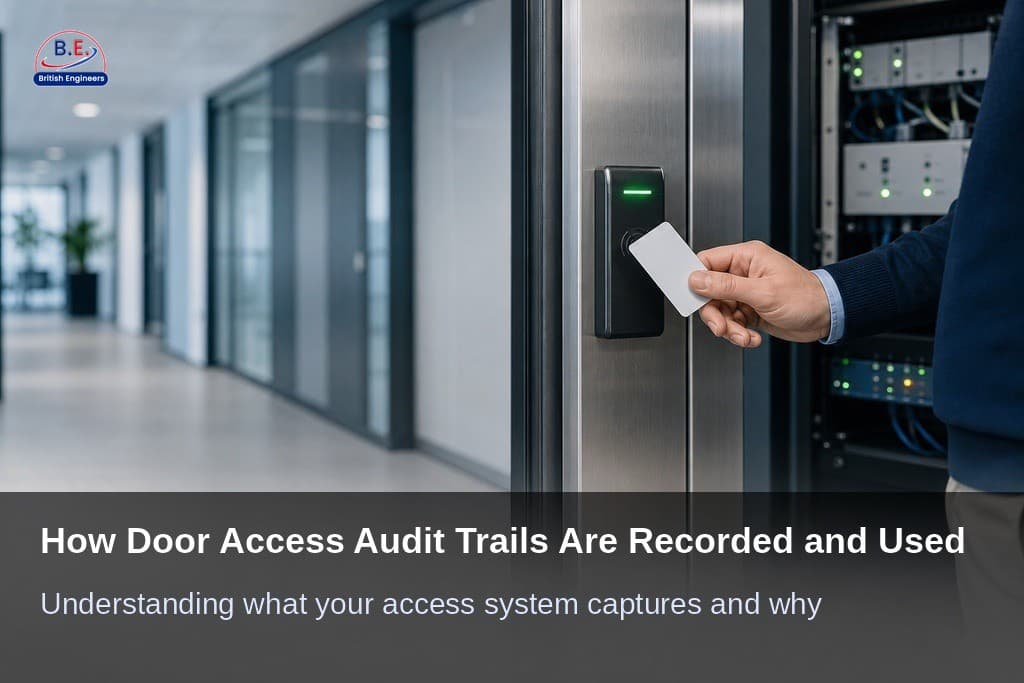
Table of contents
If you manage a business with restricted areas, you have likely wondered what your access control system actually captures every time someone swipes a card or enters a PIN. The answer lies in the audit trail: a continuous, timestamped record that documents every access event from the moment a credential is presented to the moment a door responds. Understanding how access control audit trails work is not just useful for security managers; it is essential for any business owner who wants to make informed decisions about who enters their premises and when. This guide walks through how those records are created, stored, and used responsibly in a real commercial setting.
Door access audit trails sit within the broader subject of access control compliance requirements, which covers everything from how systems are configured to how data is governed. Whether you operate a single office in Manchester city centre or manage multiple restricted zones across a larger facility in the wider Greater Manchester area, having a clear understanding of your access logs puts you in a much stronger position when incidents arise, inspections occur, or disputes need to be resolved.
What Is a Door Access Audit Trail?
An audit trail is a chronological, tamper-evident record of who accessed what, when, and from where across a physical entry point. Every time a credential is used at a door, the system captures the event and stores it as a discrete log entry. This includes the credential identifier, the specific door or reader involved, the exact time and date, and whether the access attempt was granted or denied. These entries accumulate over time into a complete picture of how your facility is being used and by whom.
The types of data captured go well beyond simple entry records. Your system will also log failed access attempts, such as when an unrecognised credential is presented or a valid one is used outside permitted hours. It records door-held-open alerts when a door remains open past a defined threshold, signalling a propped door or tailgating incident, and administrative changes such as adding or removing credentials. That last category gives you visibility into both physical movement and system management activity. This depth of detail is what makes entry log tracking genuinely useful rather than just a technical formality.

How Access Events Are Recorded in Real Time
The recording process begins the instant a credential is presented to a reader. The card reader or keypad captures the credential and transmits the data to an access control controller. The controller checks it against a stored permission set and makes a decision in a fraction of a second. Whether the door opens or stays locked, that decision and all surrounding data are immediately written to the system log, where the management software receives, stores, and displays those records in a format an administrator can work with.
This chain of events happens continuously and automatically. That is why automated, continuous audit trail collection is widely regarded as essential: manual approaches simply cannot scale with the volume and complexity of modern access events. A well-installed system, configured by certified engineers using quality hardware, helps ensure that no gaps appear between these components and that every event is captured accurately from day one.
Cloud-Based vs. On-Site Log Storage
Access logs can be stored locally on a server within your premises or on a hosted cloud platform managed by your provider. On-site storage gives you direct physical control over the data, which some businesses prefer for compliance or data sovereignty reasons. However, it places the responsibility for backup, redundancy, and hardware maintenance on you. If your server fails and logs are not backed up, that data is gone.
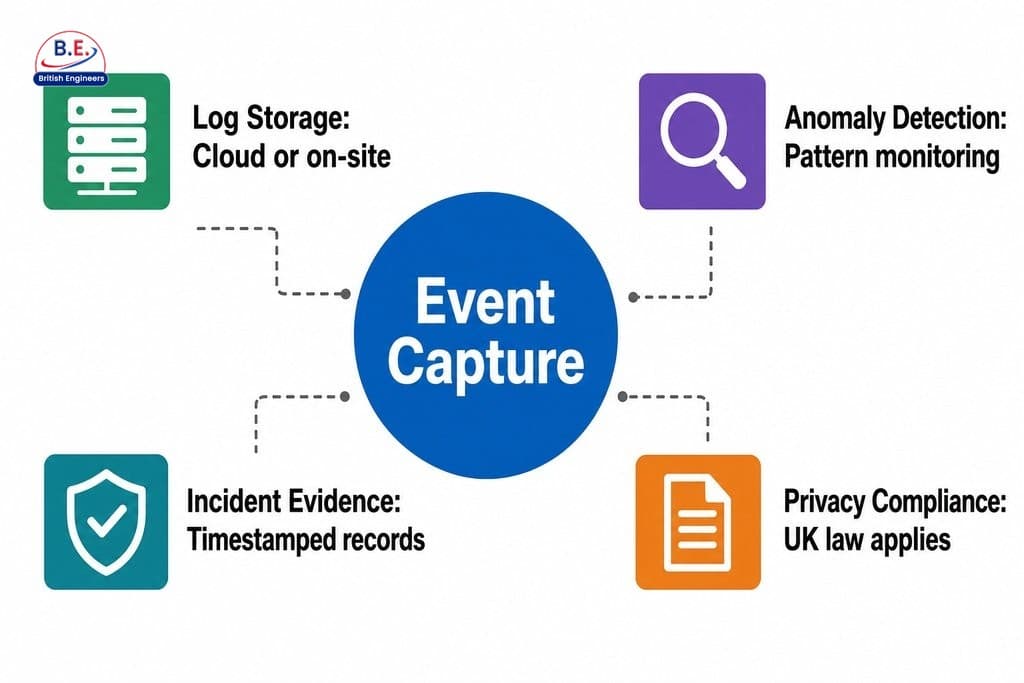
Cloud-based storage typically offers automatic backups, remote access, and longer retention periods as standard features, making it easier to retrieve historical logs during an incident investigation or audit. The trade-off involves trusting a third party with sensitive data, which makes your choice of provider and the contractual protections around that data critically important. Either approach can work well, but the configuration must match your specific security and compliance requirements.
Cloud-Based vs. On-Site Log Storage: Key Differences
| Factor | On-Site Storage | Cloud-Based Storage |
|---|---|---|
| Physical control over data | High: data stays on your premises | Low: data held by third-party provider |
| Backup responsibility | Managed by you | Typically automatic |
| Remote access to logs | Requires additional configuration | Standard feature |
| Hardware maintenance | Your responsibility | Managed by provider |
| Retention period flexibility | Depends on your server capacity | Often longer as standard |
| Data sovereignty considerations | Strong: stays within your facility | Depends on provider location and contract |
How to Use Access Logs Responsibly
Having access to detailed entry log data is a significant operational advantage, but it comes with real responsibilities. Before reviewing employee access records, your business should have a clear, written internal policy that defines who is permitted to view the logs, for what purposes they can be reviewed, and under what circumstances a review is appropriate. Without this structure, even well-intentioned reviews can create legal exposure or damage employee trust.
When reading your logs, focus on patterns rather than isolated events. A single late entry by an employee may reflect nothing more than an overtime shift. The signals that warrant closer attention include consistent access attempts outside permitted hours, repeated failures at a specific door, or credential use at a location far from where the employee is expected to be. According to research published by IEEE through the Annual Computer Security Applications Conference, exception mechanisms in role-based access control systems are often used far more frequently than intended, which means that without structured, interpretable audit trail design, captured data can quickly lose its investigative value. That finding underscores why professional configuration matters from the outset.
Identifying Anomalies Without Drawing Wrong Conclusions
Flagging unusual activity is a skill that develops over time as you become more familiar with your facility’s normal patterns. Watch for repeated failed access attempts at a sensitive door, after-hours entry events, or multiple successful entries under a single credential within an unusually short time window. The key discipline is to investigate before concluding. An anomaly may indicate a security concern, but it may equally reflect a shift change, a visitor escort, or a system configuration issue that needs adjustment.
When you identify something that genuinely looks out of place, determine whether to escalate or continue monitoring. Escalation is appropriate when there is a credible risk to people or assets, or when the pattern suggests deliberate misuse. As the National Institute of Standards and Technology (NIST) has noted, “Users are less likely to attempt to circumvent security policy if they know that their actions will be recorded in an audit log.” The deterrent effect of a well-communicated audit trail is itself a meaningful security benefit.
Security Benefits of Access Audit Trails for Manchester Business Owners
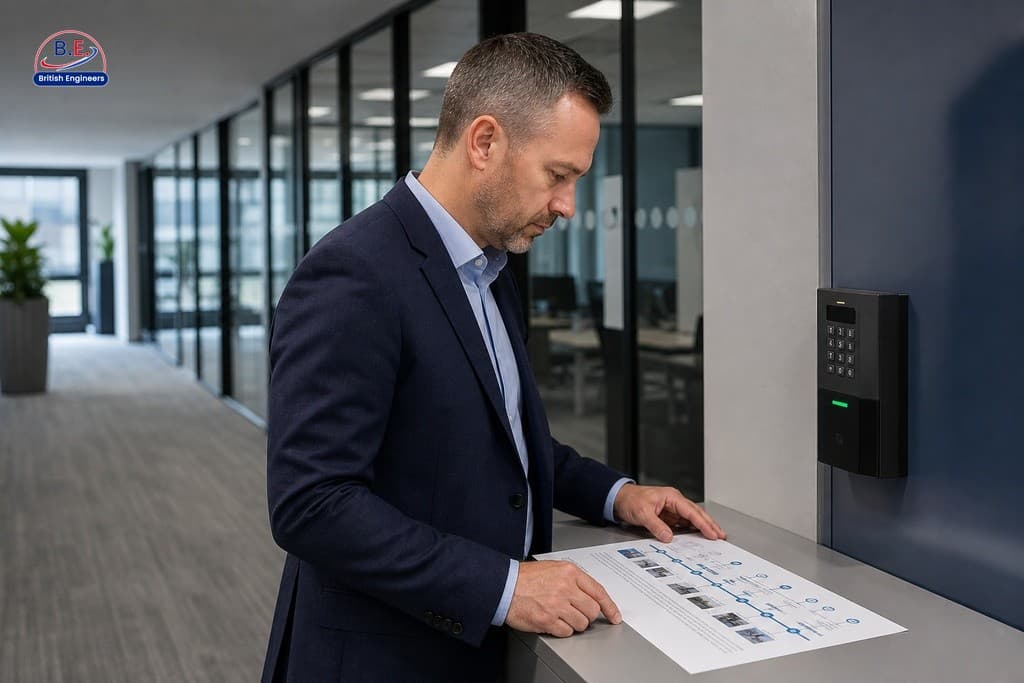
The practical value of reliable door access audit trails becomes most apparent when something goes wrong. During an incident investigation, timestamped entry records can confirm or rule out the involvement of specific individuals, identify the sequence of events leading up to an incident, and provide evidence that supports or challenges conflicting accounts. This kind of reliable, time-stamped evidence is far more persuasive than anecdotal recollections and can significantly shorten the time it takes to reach a resolution.
Beyond incident response, audit trail data can support insurance claims by demonstrating that proper security measures were in place and that access was monitored and controlled, which may influence both the outcome of a claim and the terms of your coverage. It also strengthens your overall security posture by revealing patterns that point toward policy improvements. Research by Tessian has suggested that the majority of data breaches involve a human element, which highlights why a continuous record of physical access events is a frontline defence tool rather than an optional extra. How access events are recorded directly determines how useful that evidence will be when you need it most.
What to Look for in a Well-Configured Access Control System
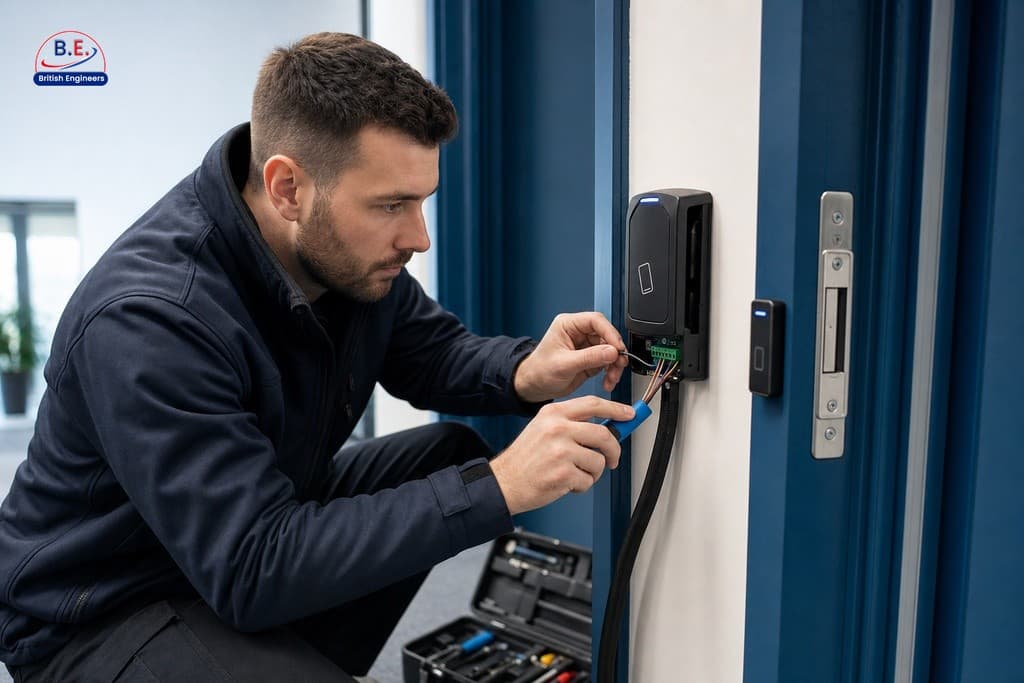
Not all access control systems produce equally reliable audit trails. Tamper-proof logging prevents records from being altered or deleted after the fact, using mechanisms such as write-once, read-many storage, cryptographic hashing, and digital signatures. Role-based access to log data ensures that only personnel with a legitimate need can view the full records. Automatic real-time alerts notify administrators of specific event types without requiring someone to manually review logs. Together, these features help ensure your audit trail is accurate, complete, and actionable from the moment the system goes live.
Key Features of a Well-Configured Audit Trail System
| Feature | What It Does | Why It Matters |
|---|---|---|
| Tamper-proof logging | Uses write-once storage, cryptographic hashing, and digital signatures | Protects record integrity for investigations and compliance |
| Role-based log access | Restricts who can view full audit records | Reduces risk of unauthorised data exposure |
| Automatic real-time alerts | Notifies administrators of defined event types immediately | Enables faster response without manual log reviews |
| Failed attempt logging | Records denied entries, unrecognised credentials, and out-of-hours use | Surfaces anomalies that may indicate security risks |
| Administrative change tracking | Logs credential additions, removals, and system changes | Provides full visibility into both physical and system-level activity |
At British Engineers, we serve business owners across Manchester and the wider region with access control installations designed around your operational needs. We provide personalised consultations to ensure your system captures the right data, stores it appropriately, and integrates with your broader security infrastructure. If you want to understand what your current system is actually recording, or if you are considering an upgrade, we would be glad to walk you through your options with a transparent, no-obligation quotation.
Legal and Privacy Considerations When Using Access Logs in Manchester
Collecting detailed records of employee and visitor movements carries real data protection obligations. UK privacy legislation requires that personal data, including access log data tied to identifiable individuals, is collected only for specified, legitimate purposes, retained only as long as necessary, and protected from unauthorised access. Staff should be informed that access control systems log their movements, and that information should be included in your employment contracts or a clearly communicated privacy notice.
Retention periods are a particularly important area to get right. Keeping logs indefinitely is not compliant, and keeping them for too short a period may undermine their usefulness in a delayed investigation. The appropriate retention window depends on your sector, the nature of the data, and any specific regulatory requirements that apply to your business. Data protection for access control records is a subject area in its own right and one that deserves careful attention from a qualified legal or compliance professional. The UK Information Commissioner’s Office (ICO) has reported that a significant proportion of ICO enforcement actions following GDPR have involved weaknesses in access control audit records, which makes it clear that regulators take this area seriously. If you are uncertain about your obligations, seeking professional advice before a problem arises is always the better path.
Frequently Asked Questions About Access Control Audit Trails
What information does a door access audit trail capture?
An audit trail captures the credential identifier, the specific door or reader used, the exact time and date, and whether access was granted or denied. It also records failed attempts, door-held-open alerts, and administrative changes such as credential additions or removals.
How long should access control logs be retained?
Retention periods vary by sector, data type, and applicable regulations. Logs should be kept long enough to support delayed investigations while avoiding indefinite storage, which conflicts with UK data protection requirements. A legal or compliance professional can advise on the right period for your business.
Are employees legally required to be told their movements are logged?
Yes. Under UK privacy legislation, staff must be informed that access control systems record their movements. This disclosure is typically included in employment contracts or a formal privacy notice communicated to all relevant personnel.
What is the difference between cloud-based and on-site log storage?
On-site storage keeps data physically within your premises but requires you to manage backups and hardware. Cloud-based storage offers automatic backups and remote access, but relies on a trusted third-party provider and appropriate contractual data protections.
How can audit trail data support an insurance claim?
Timestamped access records demonstrate that security measures were in place and that entry was monitored and controlled. This documented evidence may influence both the outcome of a claim and the terms of your ongoing coverage.
What makes an audit trail tamper-proof?
Tamper-proof logging uses mechanisms such as write-once, read-many storage, cryptographic hashing, and digital signatures to prevent records from being altered or deleted after they are created. These features help protect the integrity of your logs for investigative and compliance purposes.